
Network Integration Specialists, Inc. Blog
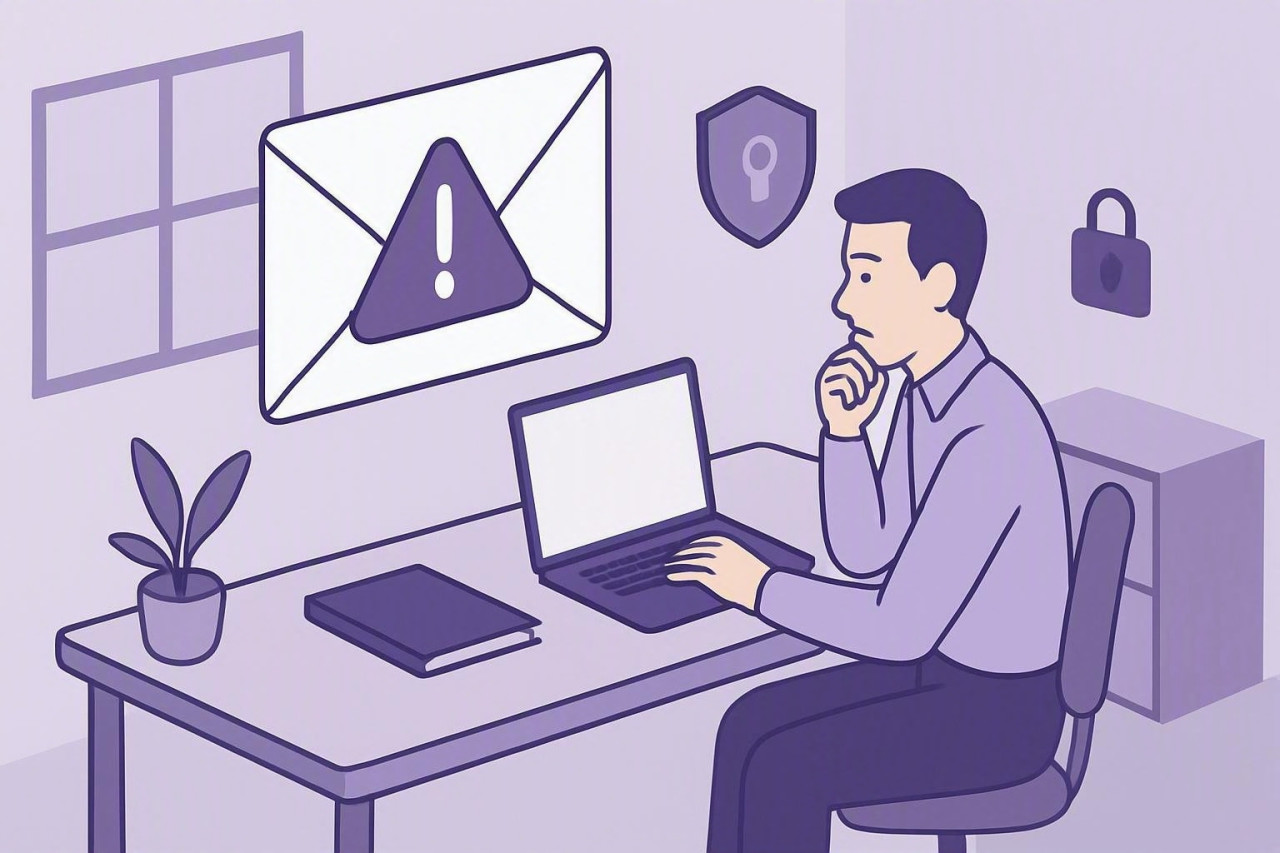
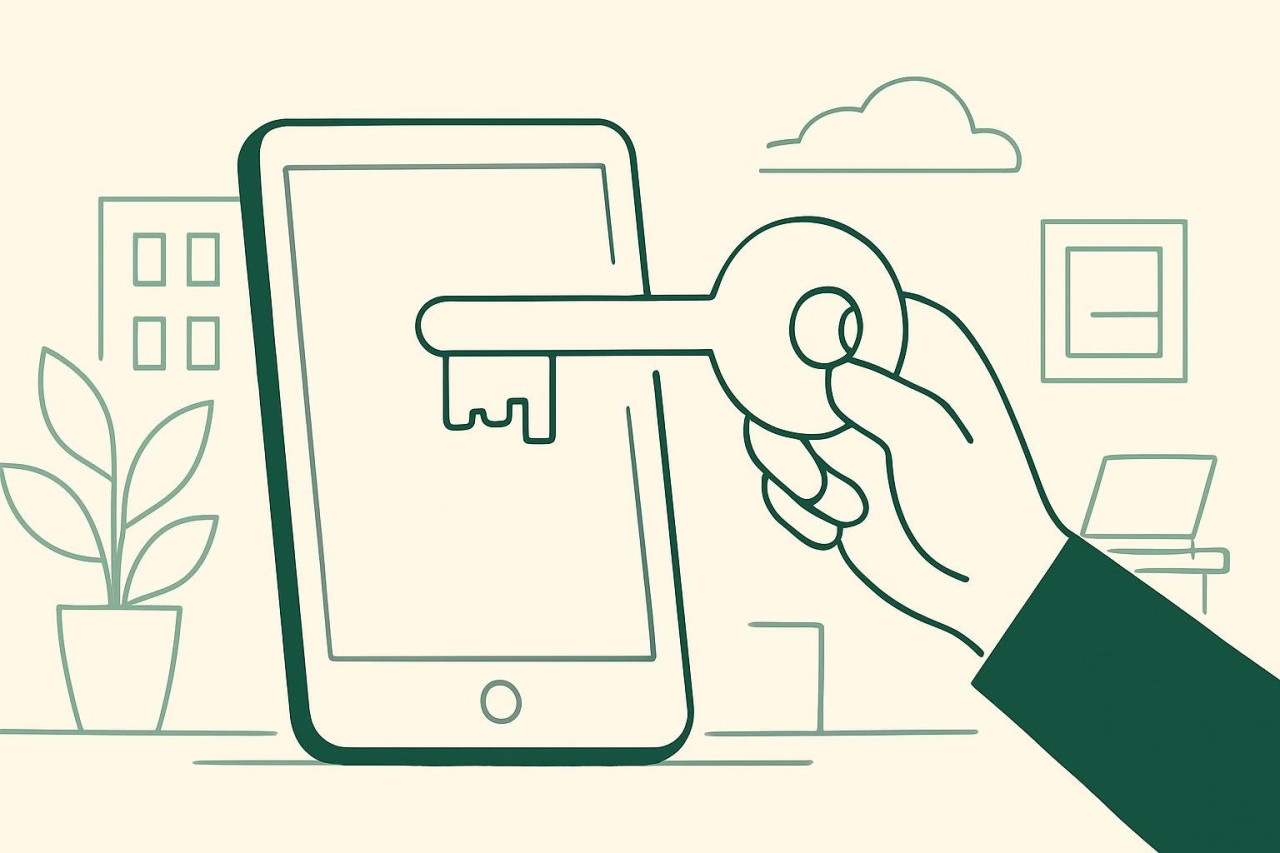
Cybercriminals are using new tricks to target Microsoft 365 users, posing as internal IT staff and calling employees to walk them through a fake passkey enrollment process. This vishing (voice-phishing) campaign is designed to trick staff into giving attackers access to business accounts, leading to data theft and extortion. Here’s what you need to know and the practical steps you can take to protect your organization.
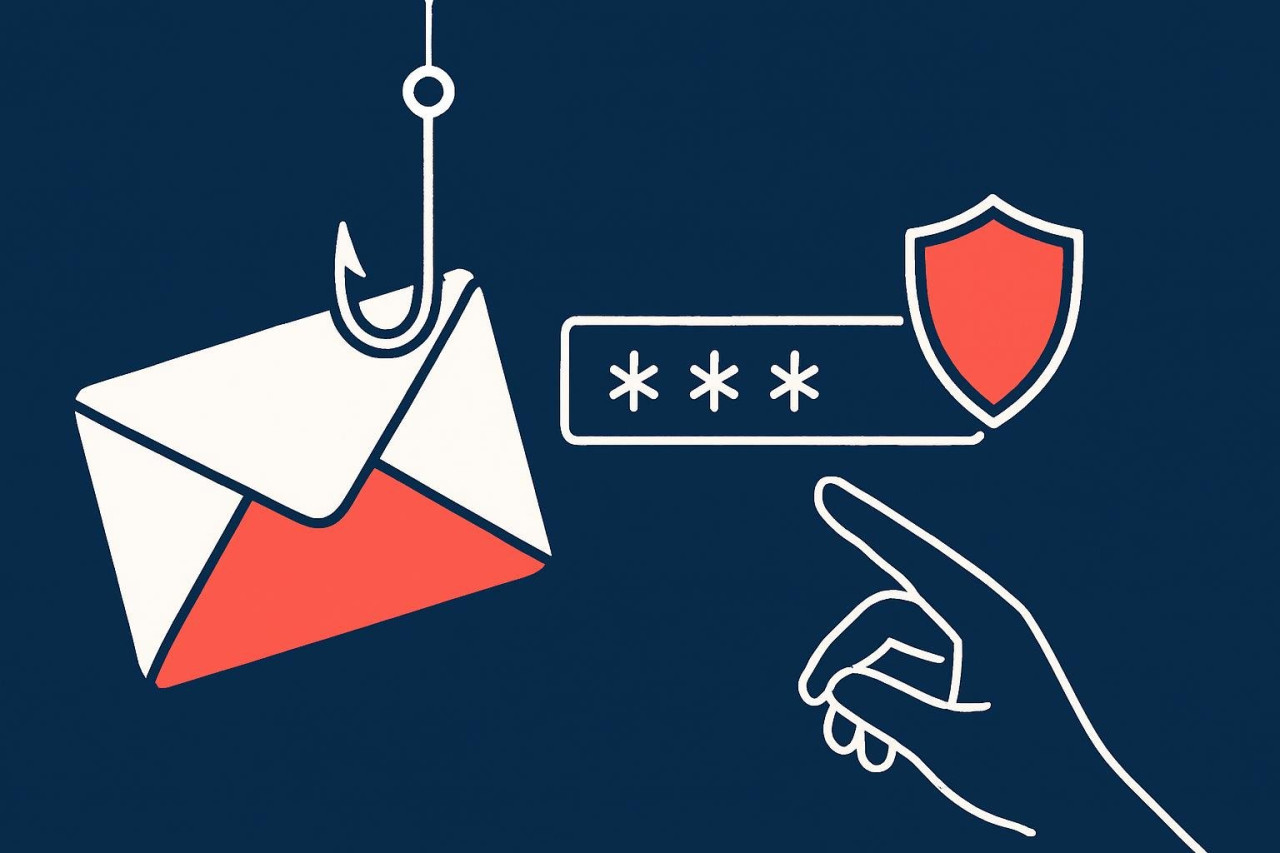
Recent phishing campaigns are targeting Microsoft 365 users with a clever new trick: convincing them to enter a device code on the legitimate Microsoft login page. This approach lets attackers bypass multi-factor authentication (MFA) and access accounts—without ever stealing a password or using a fake login site. Understanding this scam and knowing how to respond is essential for every Microsoft 365 user.
With the rise of advanced technology, AI-generated videos are appearing more frequently on YouTube. These videos can range from entertainment to educational content, and sometimes it can be challenging to tell if what you're watching was created by a person or by software. Understanding how to recognize AI-generated content helps your organization make informed decisions about what to share, trust, or reference.
Microsoft introduced new pricing and plan updates for Microsoft 365 on July 1, 2026. These changes affect many small businesses and nonprofits, especially with Copilot now included in core plans and adjustments to mailbox storage and security features. If your renewal is coming up, a careful review can help you avoid unnecessary costs and ensure your team has the right tools.
Multi-factor authentication (MFA) has become a standard security requirement for business accounts. While it’s still a vital defense, recent attacks show that MFA alone can be bypassed by determined attackers. Understanding these risks and taking extra steps can help your organization stay protected.
DNS filtering is one of those behind-the-scenes protections that keeps your business safer online, often without you noticing. It stops devices from connecting to known-malicious or risky websites, even when employees are working remotely. If you’ve ever seen a block message pop up instead of a website, that’s DNS filtering doing its job.
For many nonprofits, staying up to date with technology can be challenging due to limited budgets. TechSoup is a resource that helps nonprofit organizations access discounted or donated software, hardware, and cloud services from major technology providers. Understanding how to use TechSoup can make a significant difference in your organization's ability to serve its mission efficiently and securely.
Burnout is a real and growing challenge for IT professionals. The constant demands of supporting users, managing systems, and responding to emergencies can take a toll on even the most dedicated staff. Recognizing and addressing tech burnout is essential for maintaining a healthy, effective IT team.
Cyber threats are constantly evolving, and recent months have seen a rise in attacks targeting small and midsize organizations. While large companies often make headlines, smaller businesses are just as likely to be targeted—and often have fewer resources to respond. Understanding the current threat landscape is essential for keeping your business secure.
Running a small business means wearing many hats and handling a wide range of daily responsibilities. Repetitive tasks can take up valuable time that could be better spent on growth and customer service. Fortunately, there are straightforward ways to make everyday processes more efficient—without complex tools or major changes.
Google Workspace continues to evolve, offering new tools that can help nonprofits work more efficiently and collaborate with ease. Recent additions like Gemini, Gems, and NotebookLM are designed to support productivity and information management. Understanding these tools and how to use them securely is important for maximizing their benefits while protecting your organization’s data.
It’s easy for small businesses to put off replacing computers that still seem to work. But aging hardware can quietly drive up support costs, slow down productivity, and expose your business to security risks. Understanding the true impact of outdated computers helps you plan smarter and avoid surprises.
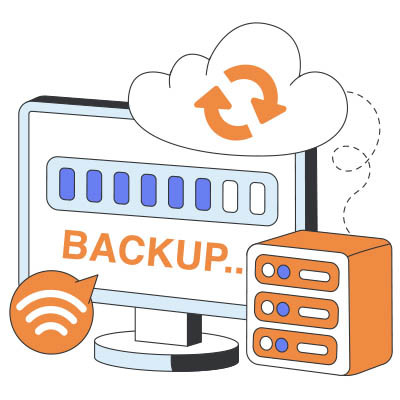
Every small business relies on its data—customer information, financial records, and daily work files. But what happens when that data is lost or becomes inaccessible? Backup monitoring is a crucial practice that helps ensure your business can recover quickly from unexpected events and avoid costly disruptions.
Popular culture gets modern cybercriminals completely wrong. Most people still picture a solo attacker operating out of a dark room. The reality is much more mundane and far more dangerous.
Today, corporate cybercrime groups operate like legitimate businesses. They use structured organizational charts, tracking metrics, customer support lines for victims, and dedicated development budgets.
When a business owner looks at their monthly operating expenses, they usually keep a close eye on payroll and marketing spend. When those numbers spike, it triggers an immediate conversation. There’s one expense that quietly expands month after month, completely escaping executive scrutiny: the invisible tech taxes, like unoptimized cloud tiers, forgotten software licenses, and legacy telecom services that your business pays for, but hardly utilizes.